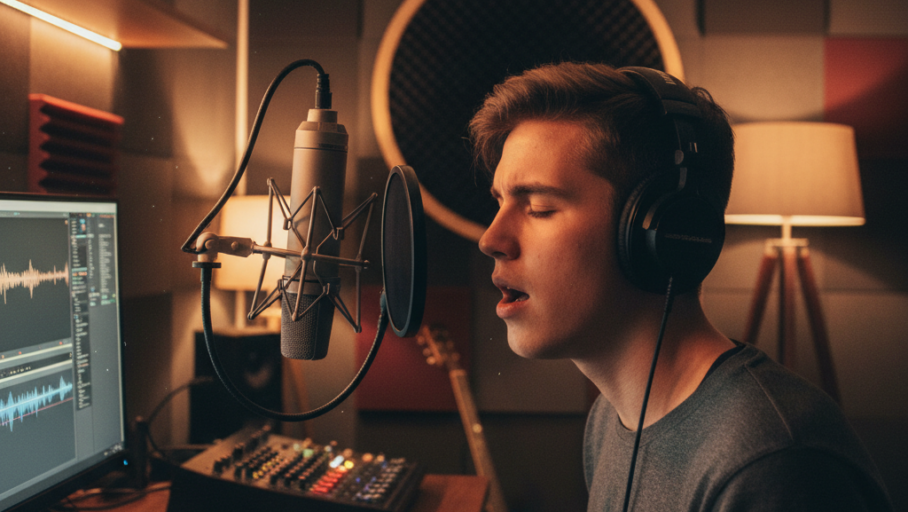
Ever wanted to capture a spur-of-the-moment musical idea, record your band’s jam session, or even sketch out a vocal melody without needing professional studio equipment? The good news is, your smartphone is a surprisingly powerful audio recording device, capable of much more than just voice memos. This guide will walk you through the simple steps to effectively record music using just your phone, helping you capture those creative sparks before they fade away.
Choosing the Right App and Understanding Your Phone’s Mic
While your phone’s built-in voice recorder app is a start, dedicated music recording apps offer far more control and better sound quality. Popular free options include GarageBand (iOS) and BandLab (iOS/Android), which provide multi-track recording, basic editing tools, and built-in effects. For a simpler, high-quality stereo recording, look for apps like ‘Recorder’ (Google Pixel) or third-party options like ‘Voice Record Pro’ (iOS/Android) that allow you to adjust recording quality. When it comes to your phone’s microphone, understand its limitations. Most smartphones have small, omnidirectional microphones, meaning they pick up sound from all directions. This is great for general soundscapes but can introduce unwanted background noise when recording music. Some phones have multiple microphones (e.g., at the top and bottom) for stereo recording or noise cancellation. Experiment with your phone to find where its primary recording microphone is located – usually near the charging port or camera module.
Optimizing Your Recording Environment and Placement
The biggest enemy of good audio is unwanted background noise. Even with advanced apps, a noisy environment will ruin your recording.
Choose a quiet room, away from traffic, air conditioners, or chattering people. Soft furnishings like curtains, carpets, and upholstered furniture can help absorb sound reflections, making your recordings sound clearer and less “echoey.” Once you’ve found a suitable space, microphone placement is crucial. For instruments or vocals, don’t place your phone too close or too far away. Too close, and you risk “clipping” (distortion due to the sound being too loud for the mic to handle). Too far, and your recording will sound thin and distant. A good starting point is about 6-12 inches (15-30 cm) from the sound source. Experiment by moving your phone slightly closer or further away until you get a clear, balanced sound. For acoustic instruments, try pointing the phone’s microphone towards the soundboard (for guitars) or directly at a singer’s mouth, but slightly off-center to avoid plosives (harsh “p” or “b” sounds). When recording a band, place the phone in a central location, slightly elevated, to capture a balanced mix of all instruments.
Enhancing Quality with External Gear and Post-Production
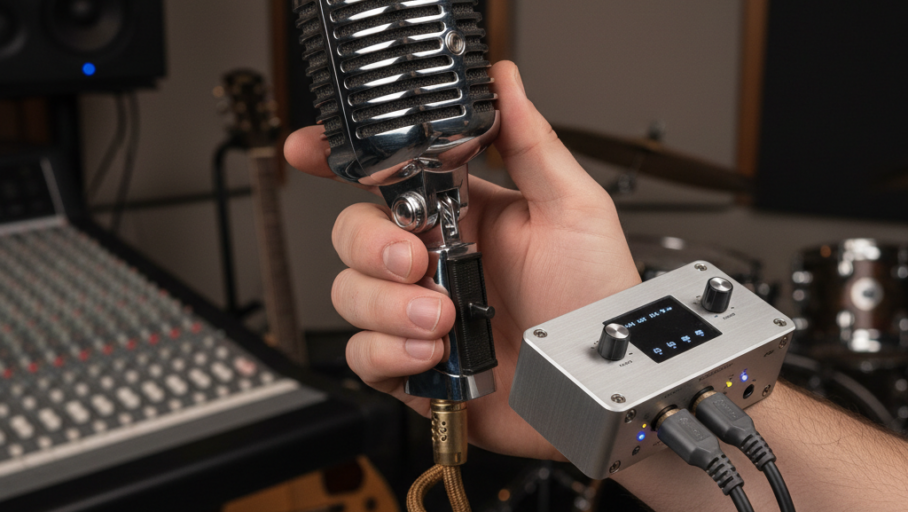
While this guide focuses on using your phone’s built-in capabilities, a simple external microphone can significantly improve your sound quality. Small, portable condenser microphones that plug directly into your phone’s charging port or headphone jack are affordable and provide a clearer, more professional sound. Look for options from brands like Shure, Rode, or Zoom that are designed for mobile use. These microphones often offer better sensitivity and a more focused pickup pattern than your phone’s internal mic, reducing background noise. Another practical consideration is signal stability. Ensure your phone isn’t set to “Do Not Disturb” mode to prevent calls or notifications from interrupting your recording. Also, keep your phone charged; a low battery can sometimes affect recording performance or cut your session short. After recording, resist the urge to immediately share your raw audio. Most recording apps offer basic editing tools like trimming, volume adjustment, and simple equalization (EQ). Use these tools to clean up your recording, remove any dead air at the beginning or end, and subtly enhance the sound. Don’t over-process, as too many effects can make your recording sound artificial. The goal is to make it sound as natural and clear as possible. With a little practice and attention to detail, your smartphone can be an invaluable tool for capturing your musical ideas wherever inspiration strikes.